Bold Text Generator
Convert plain text into bold Unicode letters that stay bold when you paste them into apps with no formatting buttons.
- 1 Type your text
- 2 Pick a style
- 3 Copy & paste
Most social apps do not have a bold button, and bold formatting from a word processor disappears the moment you paste it. This bold text generator solves that by converting each letter into its bold Unicode counterpart, so 𝐁𝐨𝐥𝐝 stays bold in Instagram bios, Facebook posts, X threads, YouTube comments and more.
You get four bold styles, serif 𝐁𝐨𝐥𝐝, sans-serif 𝗕𝗼𝗹𝗱, 𝑩𝒐𝒍𝒅 𝑰𝒕𝒂𝒍𝒊𝒄 and 𝘽𝙤𝙡𝙙 𝙄𝙩𝙖𝙡𝙞𝙘 𝙎𝙖𝙣𝙨, along with every other fancy style further down the list.
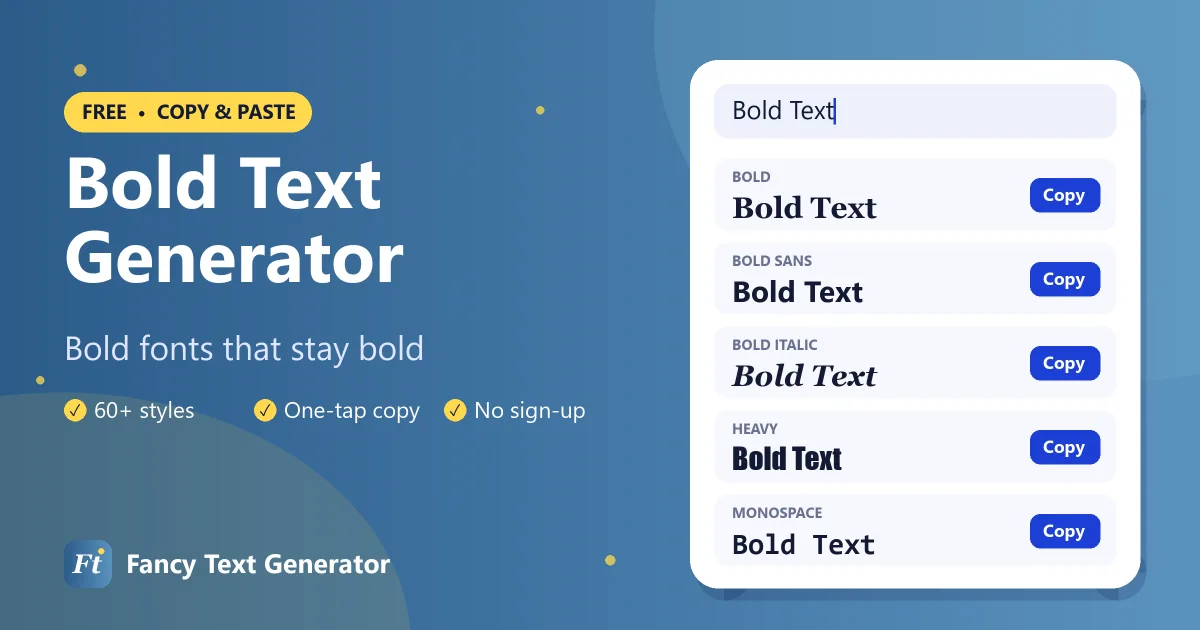
How to Make Bold Text
Creating bold text for social media takes three quick steps.
-
Type your text
Enter the words you want in bold into the box above.
-
Pick a bold style
Bold styles are listed first. Choose serif, sans or italic bold.
-
Copy and paste
Tap Copy and paste the bold text into your post, bio or message.
Bold Text Examples
The words “Bold Text” in each bold style, plus a few related styles.
| Style | Example |
|---|---|
| Bold | 𝐁𝐨𝐥𝐝 𝐓𝐞𝐱𝐭 |
| Bold Italic | 𝑩𝒐𝒍𝒅 𝑻𝒆𝒙𝒕 |
| Bold Script | 𝓑𝓸𝓵𝓭 𝓣𝓮𝔁𝓽 |
| Bold Gothic | 𝕭𝖔𝖑𝖉 𝕿𝖊𝖝𝖙 |
| Double Struck | 𝔹𝕠𝕝𝕕 𝕋𝕖𝕩𝕥 |
| Bold Sans | 𝗕𝗼𝗹𝗱 𝗧𝗲𝘅𝘁 |
When to Use Bold Text
- Headlines at the start of a Facebook or LinkedIn post.
- Thread numbering on X, such as 𝟏/ 𝟐/ 𝟑/.
- Bio headings on Instagram and TikTok, like 𝗖𝗢𝗡𝗧𝗘𝗡𝗧 𝗖𝗥𝗘𝗔𝗧𝗢𝗥.
- Key details in YouTube descriptions and comments.
- Gaming names that need to stay readable on small screens.
Serif Bold vs Sans-Serif Bold
Serif bold (𝐁𝐨𝐥𝐝) has small strokes at the ends of each letter and looks classic and formal. Sans-serif bold (𝗕𝗼𝗹𝗱) is cleaner and more modern, and it is usually easier to read on phones. Both support numbers, so you can write 𝟐𝟎𝟐𝟔 or 𝟮𝟬𝟮𝟲.
Tip: in WhatsApp and Discord messages you can also use built-in bold (*text* or **text**). Unicode bold is for everywhere else, such as names, bios and apps with no formatting.
Frequently Asked Questions
How do I type bold text on Instagram?
Instagram has no bold option, so type your text in the bold text generator above, copy a bold style and paste it into your bio, name or caption.
Does bold text work with numbers?
Yes. The serif bold and sans bold styles both include bold digits 0 to 9.
Is Unicode bold text accessible?
Screen readers may not read Unicode bold as normal words. Use it for short highlights rather than whole paragraphs.
Can I make bold text in other languages?
Unicode only has bold versions of the basic Latin letters A–Z and digits. Accented letters and other alphabets stay as they are.
Make Your Words Stand Out
Bold is the most readable fancy font and the easiest way to add emphasis anywhere. For more looks, try our cursive text generator or the full fancy text generator.