Facebook Fonts Generator: Fancy Text for Posts
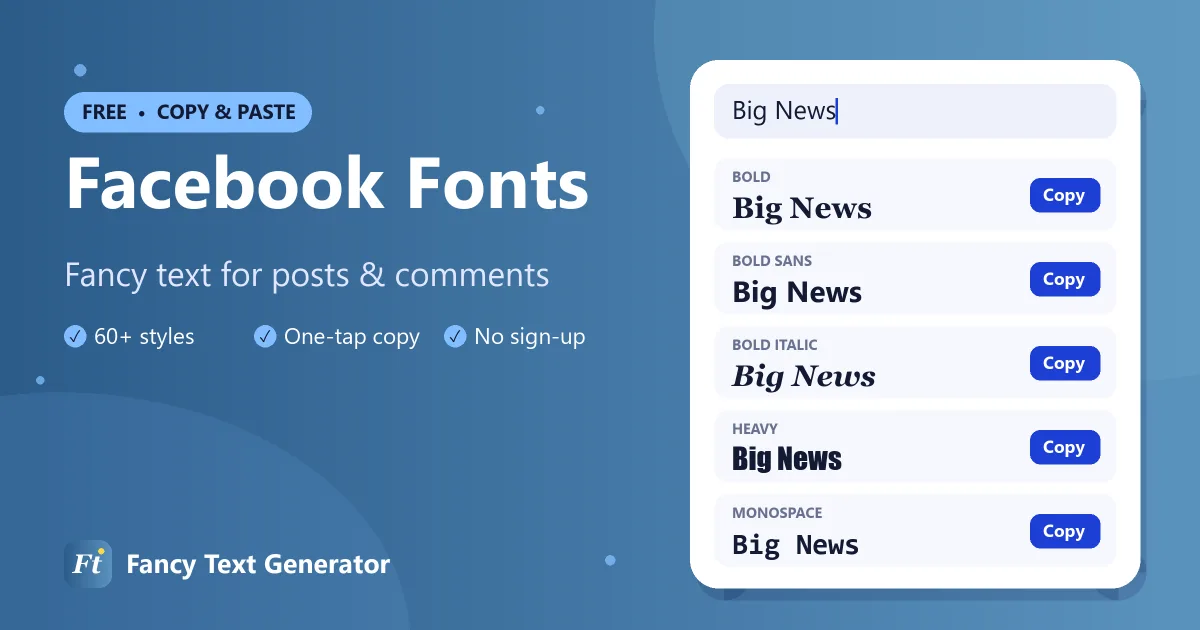
Add bold, italic and fancy fonts to your Facebook posts, comments, bio and page. Type your text, copy a style, paste it into Facebook.
- 1 Type your text
- 2 Pick a style
- 3 Copy & paste
Facebook lets you write long posts but gives you almost no way to format them: there is no bold button for regular posts or comments. This Facebook fonts generator fills the gap by turning your text into 60+ fancy styles, including 𝐛𝐨𝐥𝐝, 𝘪𝘵𝘢𝘭𝘪𝘤, 𝓬𝓾𝓻𝓼𝓲𝓿𝓮 and 【𝐝𝐞𝐜𝐨𝐫𝐚𝐭𝐞𝐝】 text, that you can copy and paste into Facebook.
The fonts are Unicode characters, so everyone who sees your post, on the app or the website, sees the same style.
How to Use Fancy Fonts on Facebook
Style a Facebook post or comment in four steps.
-
Type your text
Enter your headline, comment or bio into the Facebook fonts generator above.
-
Copy a style
Pick a font, such as Bold for a headline or Script for a quote, and tap Copy.
-
Open Facebook
Start a new post, open a comment box or go to Edit profile › Bio.
-
Paste and publish
Paste the fancy text, add any plain text around it, and post or save.
Facebook Font Examples
“Big News” in some of the most popular Facebook fonts.
| Style | Example |
|---|---|
| Bold | 𝐁𝐢𝐠 𝐍𝐞𝐰𝐬 |
| Italic | 𝐵𝑖𝑔 𝑁𝑒𝑤𝑠 |
| Bold Italic | 𝑩𝒊𝒈 𝑵𝒆𝒘𝒔 |
| Script (Cursive) | ℬ𝒾ℊ 𝒩ℯ𝓌𝓈 |
| Bold Script | 𝓑𝓲𝓰 𝓝𝓮𝔀𝓼 |
| Gothic | 𝔅𝔦𝔤 𝔑𝔢𝔴𝔰 |
| Bold Gothic | 𝕭𝖎𝖌 𝕹𝖊𝖜𝖘 |
| Double Struck | 𝔹𝕚𝕘 ℕ𝕖𝕨𝕤 |
| Bold Sans | 𝗕𝗶𝗴 𝗡𝗲𝘄𝘀 |
| Monospace | 𝙱𝚒𝚐 𝙽𝚎𝚠𝚜 |
| Bubble | Ⓑⓘⓖ Ⓝⓔⓦⓢ |
| Small Caps | ʙɪɢ ɴᴇᴡs |
| Upside Down | sʍǝu ƃᴉq |
Where Fancy Fonts Work on Facebook
- Posts: style a headline or one key line so your update stands out in the feed.
- Comments and replies: add emphasis or a stylish signature.
- Bio (Intro): the short description on your profile. It is limited to 101 characters, so one styled phrase is enough.
- Pages, groups and events: style descriptions, posts and event details.
- Messenger: fancy text pastes into Messenger chats just like any other app.
Your profile name is different. Facebook’s name standards do not allow unusual characters, symbols or mixed styles in the name field, so fancy fonts are usually rejected there. Use them in your bio and posts instead.
Best Facebook Fonts for Posts
Bold for headlines
𝐁𝐨𝐥𝐝 and 𝗕𝗼𝗹𝗱 𝗦𝗮𝗻𝘀 make a headline or announcement readable at a glance, which matters in a busy news feed.
Italic for quotes
𝘐𝘵𝘢𝘭𝘪𝘤 text works well for quotes, thoughts and song titles.
Cursive for special occasions
𝓗𝓪𝓹𝓹𝔂 𝓐𝓷𝓷𝓲𝓿𝓮𝓻𝓼𝓪𝓻𝔂 looks warmer than plain text in celebration posts.
Decorated for pages and groups
Frames like 【 】 and ★彡 彡★ turn section headings in a long post into clear visual breaks.
Facebook Post Formatting Ideas
- 𝐁𝐈𝐆 𝐍𝐄𝐖𝐒: we’re opening a second store next month!
- 𝗪𝗵𝗮𝘁 𝘆𝗼𝘂’𝗹𝗹 𝗹𝗲𝗮𝗿𝗻: followed by a plain-text list
- 𝓣𝓱𝓪𝓷𝓴 𝔂𝓸𝓾 for 1,000 followers ♡
- 【𝐄𝐕𝐄𝐍𝐓】 Saturday, 7 PM, community hall
Tips for Facebook Fonts
- Style the hook, not the whole post. Long blocks of fancy text are tiring to read.
- Keep links, prices and dates plain. Plain text is easier to search, translate and read with screen readers.
- Preview on mobile. Most Facebook users read on phones, so check how your post looks there.
Frequently Asked Questions
How do I make bold text on Facebook?
Facebook has no bold button for normal posts and comments. Type your text in the Facebook fonts generator above, copy the Bold style and paste it into your post or comment.
Can I use fancy fonts in my Facebook name?
Usually not. Facebook’s name standards block symbols and unusual characters in profile names. You can use fancy fonts in your bio, posts, comments and Page content.
Do fancy fonts work in Facebook Messenger?
Yes. Styled Unicode text can be pasted into Messenger chats and looks the same for the person you are messaging.
Will fancy fonts affect my post’s reach?
Fancy characters are not treated as spam, but search and translation work best with plain text. Use fancy fonts for emphasis and keep important keywords plain.
Are Facebook fonts free to use?
Yes. The generator is free and the text you create can be used in any post, comment or page.
Make Your Facebook Posts Stand Out
A bold headline or a cursive greeting can be the difference between a scroll-past and a like. Try the Facebook fonts above, then explore our bold text generator and WhatsApp fonts.