Instagram Fonts Generator (Copy & Paste)
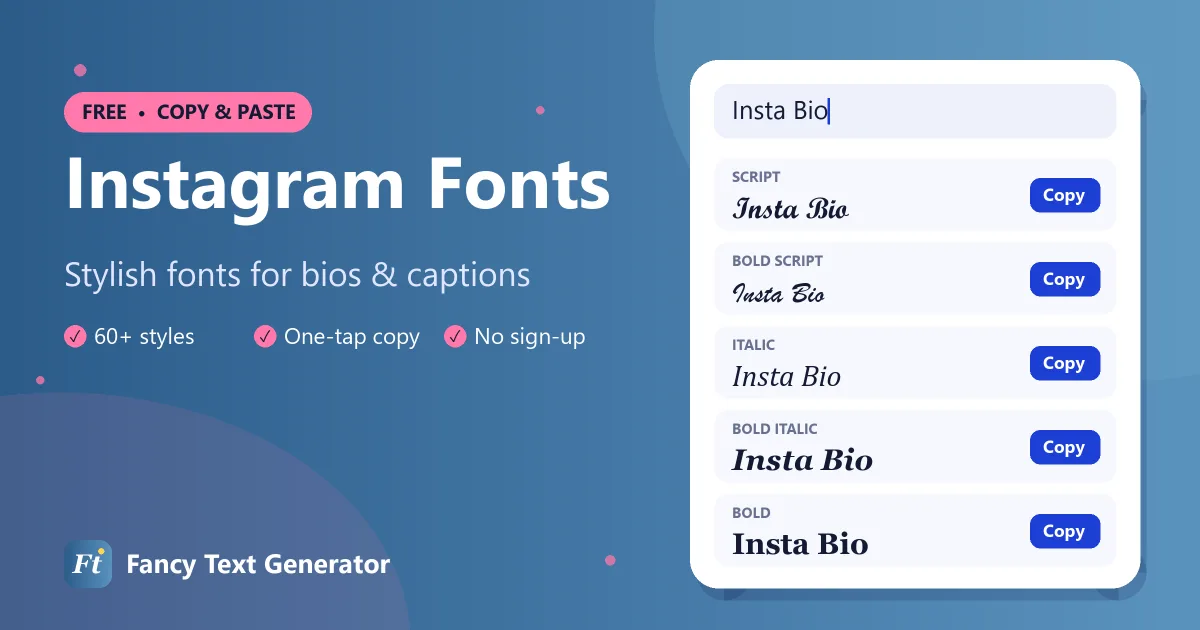
Make your Instagram bio, name and captions stand out with 60+ fancy fonts. Type, tap Copy, paste into Instagram.
- 1 Type your text
- 2 Pick a style
- 3 Copy & paste
Instagram shows every profile and caption in the same default font, so a stylish name or bio headline is one of the easiest ways to make people stop scrolling. This Instagram fonts generator converts your text into 60+ copy-and-paste styles, from elegant 𝓬𝓾𝓻𝓼𝓲𝓿𝓮 to clean 𝗯𝗼𝗹𝗱 and soft ᴀᴇsᴛʜᴇᴛɪᴄ small caps, that Instagram displays just like normal text.
Because these are Unicode characters rather than a font file, there is nothing to install. Type your words above, copy the style you like, and paste it straight into the Instagram app or website.
How to Change the Font in Your Instagram Bio
Instagram has no font menu for profiles, but you can paste fancy text into your bio in four quick steps.
-
Create your text
Type your bio line or name into the Instagram fonts generator above and pick a style you like.
-
Copy the style
Tap the Copy button next to that style. A message confirms it has been copied.
-
Open Edit profile
In the Instagram app, go to your profile and tap Edit profile, then tap the Bio or Name field.
-
Paste and save
Long-press to paste the fancy text, check how it looks, then tap Done or the tick to save.
Instagram Font Examples
Popular Instagram bio fonts, shown with the words “Insta Bio”.
| Style | Example |
|---|---|
| Bold | 𝐈𝐧𝐬𝐭𝐚 𝐁𝐢𝐨 |
| Italic | 𝐼𝑛𝑠𝑡𝑎 𝐵𝑖𝑜 |
| Bold Italic | 𝑰𝒏𝒔𝒕𝒂 𝑩𝒊𝒐 |
| Script (Cursive) | ℐ𝓃𝓈𝓉𝒶 ℬ𝒾ℴ |
| Bold Script | 𝓘𝓷𝓼𝓽𝓪 𝓑𝓲𝓸 |
| Gothic | ℑ𝔫𝔰𝔱𝔞 𝔅𝔦𝔬 |
| Bold Gothic | 𝕴𝖓𝖘𝖙𝖆 𝕭𝖎𝖔 |
| Double Struck | 𝕀𝕟𝕤𝕥𝕒 𝔹𝕚𝕠 |
| Bold Sans | 𝗜𝗻𝘀𝘁𝗮 𝗕𝗶𝗼 |
| Monospace | 𝙸𝚗𝚜𝚝𝚊 𝙱𝚒𝚘 |
| Bubble | Ⓘⓝⓢⓣⓐ Ⓑⓘⓞ |
| Small Caps | ɪɴsᴛᴀ ʙɪᴏ |
| Upside Down | oᴉq ɐʇsuᴉ |
Where You Can Use Fancy Fonts on Instagram
- Name field: the bold name above your bio. A styled name helps your profile stand out in search and suggested accounts, but keep at least part of it in plain text so people can still find you.
- Bio: the 150-character space under your name. Styled headings, dividers and a cursive tagline work especially well here.
- Captions: highlight a hook, a product name or a quote in the first line, which is all most people see before tapping “more”.
- Comments and DMs: fancy text pastes into comments and messages exactly as it does into captions.
- Stories and Reels text: you can paste many styles into the text tool, although Instagram’s own story fonts may override some characters.
The one place fancy text does not work is your username (your @handle). Instagram only allows letters, numbers, periods and underscores there.
Best Instagram Fonts for Your Bio
Cursive and script
𝒮𝒸𝓇𝒾𝓅𝓉 and 𝓑𝓸𝓵𝓭 𝓢𝓬𝓻𝓲𝓹𝓽 give a handwritten, personal feel that suits lifestyle, beauty, travel and wedding accounts.
Bold sans
𝗕𝗼𝗹𝗱 𝗦𝗮𝗻𝘀 reads cleanly on small screens. It is ideal for business accounts, creators and short calls to action like “𝗡𝗲𝘄 𝘃𝗶𝗱𝗲𝗼 𝗯𝗲𝗹𝗼𝘄”.
Small caps and aesthetic
ꜱᴍᴀʟʟ ᴄᴀᴘꜱ, wide text and 𝔻𝕠𝕦𝕓𝕝𝕖 𝕊𝕥𝕣𝕦𝕔𝕜 letters create the minimal, soft look popular with aesthetic and photography accounts.
Decorated frames
Wrap a word in ✦ sparkles ✦, ♡ hearts ♡ or ❀ flowers ❀ to turn a bio line into a mini heading.
Instagram Bio Ideas Using Fancy Fonts
Mix a styled heading with plain text so your bio stays easy to read. A few formats that work well:
- 𝓣𝓻𝓪𝓿𝓮𝓵 & 𝓬𝓸𝓯𝓯𝓮𝓮 ☕ · 23 countries and counting
- 𝗙𝗜𝗧𝗡𝗘𝗦𝗦 𝗖𝗢𝗔𝗖𝗛 | Online plans ↓
- ✦ ʜᴀɴᴅᴍᴀᴅᴇ ᴊᴇᴡᴇʟʀʏ ✦ Ships worldwide
- 𝔄𝔯𝔱𝔦𝔰𝔱 · Commissions open
Use line breaks between each idea. On Instagram you can type them directly in the bio field.
Instagram Font Tips
- Stay inside 150 characters. Decorated styles add symbols, and a few fancy letters use more space than normal letters.
- Keep keywords searchable. Instagram search matches the plain letters in your name field, so style your nickname and leave your real name or niche in plain text.
- Check on another device. Nearly all styles display correctly on current iPhones and Android phones, but very old devices may show boxes.
- Think about accessibility. Screen readers may read styled text letter by letter, so do not put essential information only in fancy text.
Frequently Asked Questions
How do I get different fonts on Instagram?
Instagram has no font setting for bios or captions, so you use a fancy text generator. Type your text above, copy a style and paste it into your Instagram bio, name, caption or comment.
Can I change the font of my Instagram username?
No. Usernames (your @handle) only accept letters, numbers, periods and underscores. You can use fancy fonts in the Name field and your bio instead.
Why does my Instagram font show as boxes?
Boxes mean the viewer’s device lacks a font for that character. This is rare on modern phones. Switch to a widely supported style such as Bold, Italic or Script if it happens.
Are Instagram fonts safe to use?
Yes. Fancy fonts are standard Unicode characters, the same kind as emoji, and are allowed in bios, names and captions.
Do fancy fonts work in Instagram Stories?
Mostly. You can paste many styles into the Story text tool, but some Story font options may change how certain characters look. Preview before sharing.
Give Your Instagram Profile a Fresh Look
A styled name or a cursive bio line takes seconds to create and makes your profile instantly recognisable. Try a few Instagram fonts above, preview them in your bio, and keep the one that fits your style. For more ideas, explore our cursive text generator or the main fancy text generator.